
Retrieving coverage data
The following shows how to extract coverages.
Retrieving the full coverage
The following request retrieves usa fully, at its native resolution,
in its native CRS and format:
http://localhost:8083/geoserver/ows?service=WCS&version=2.0.1&request=GetCoverage&coverageId=usa
Element |
Description |
|---|---|
The base URL |
|
service=WCS |
The service |
version=2.0.1 |
The service version |
request=GetCoverage |
The request |
coverageId=usa |
The coverage that should be returned (just one) |
Browsers often do not open the file directly, but any image viewer will.
Retrieving the full coverage in a different format
This request returns the same coverage, but as a PNG (thus, non geo-referenced):
http://localhost:8083/geoserver/ows?service=WCS&version=2.0.1&request=GetCoverage&coverageId=usa&format=image/png
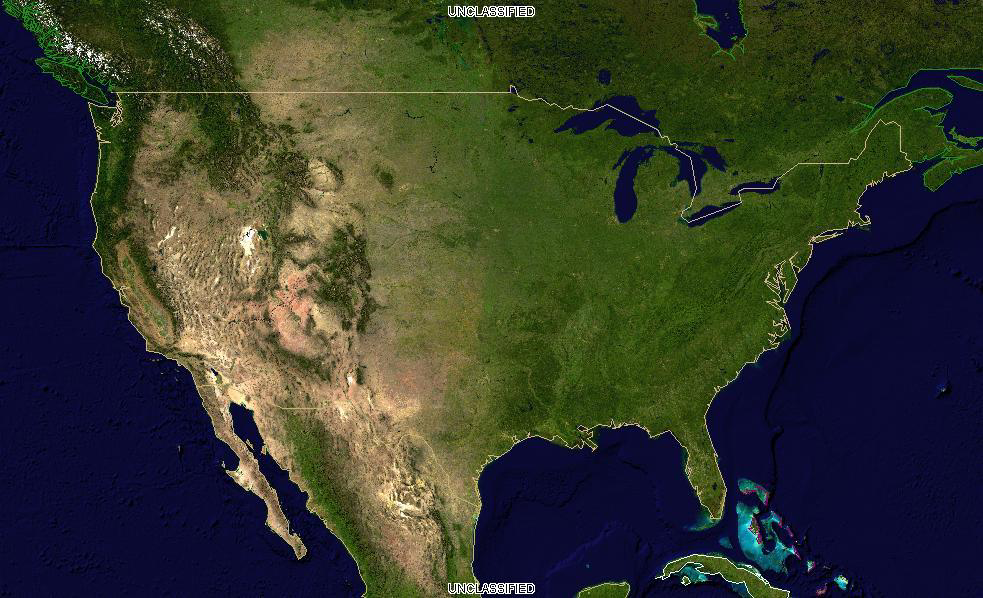
The full result as a PNG
The new parameter here is the format one:
Element |
Description |
|---|---|
format=image/png |
The output format (one of those listed in the capabilities documents) |
Getting a subset of the data
Selecting a spatial subset of the data is called trimming in WCS and it’s
controlled by subset parameter. Coverages can be N dimensional, so a subset range needs
to be specified for each axis (in this case, only Lat and Lon).
The following request extracts part of California:
http://localhost:8083/geoserver/ows?service=WCS&version=2.0.1&request=GetCoverage&coverageId=usa&format=image/png&subset=Lat(30,42)&subset=Long(-125,-115)
Element |
Description |
|---|---|
subset=Lat(30,42) |
Latitude range to be extracted |
subset=Long(-125,-115) |
Longitue range to be extracted |
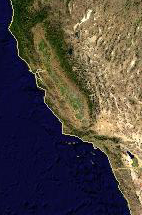
A subset of the coverage, as a PNG
Getting a scaled down version of the data
Sometimes one needs the whole area, but the provided resolution is too high for the needs
at hand, and the download can be reduced by usin a lower resolution.
A simple way to achieve that is to use the scalefactor parameter, which multiplies the
output size accordingly:
http://localhost:8083/geoserver/ows?service=WCS&version=2.0.1&request=GetCoverage&coverageId=usa&format=image/png&scalefactor=0.25
Element |
Description |
|---|---|
scalefactor=0.5 |
Scaling factor for the output image |
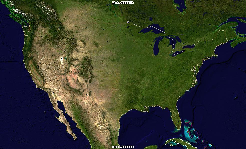
A scaled down version of the coverage, as a PNG
Getting specific bands
With the popularity of multiband sensor imagery from satellites (e.g., Landsat, Sentinel) it can
be useful to only download the bands one is interested into.
The following request adds a rangesubset parameter to only extract the red band of the layer:
http://localhost:8083/geoserver/ows?service=WCS&version=2.0.1&request=GetCoverage&coverageId=usa&format=image/png&rangesubset=RED_BAND
Element |
Description |
|---|---|
rangesubset=Red band |
Comma separated list of band names to be extracted |
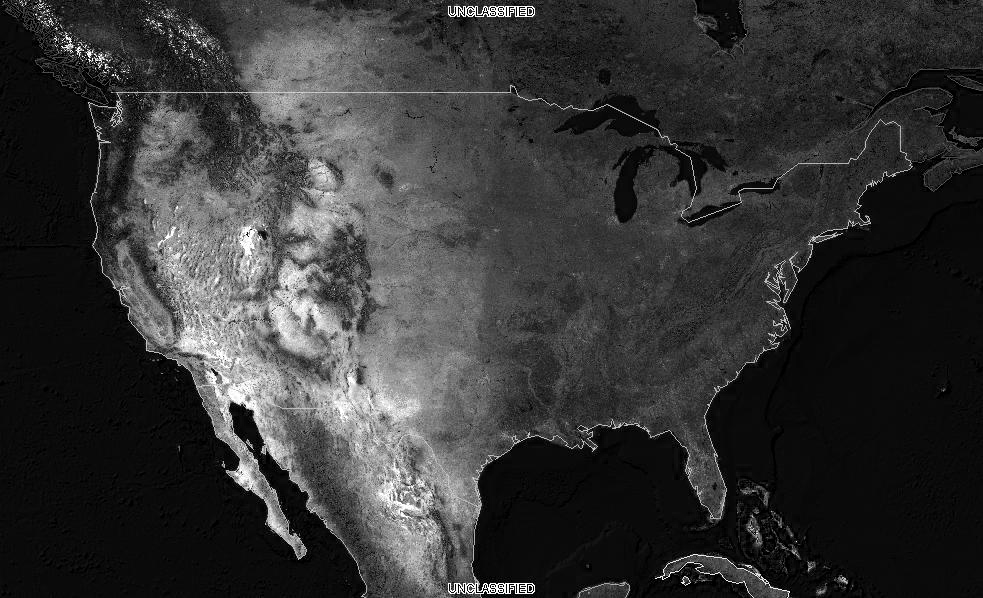
A subset of the coverage, as a PNG
Downloading the data in a different projection
Sometimes the downloaded data needs to be integrated with other local data.
It can be convenient to have it already in a common Coordinate Reference System.
The outputCRS parameter can be used to reproject the coverage, in the following
example:
http://localhost:8083/geoserver/ows?service=WCS&version=2.0.1&request=GetCoverage&coverageId=usa&format=image/png&outputCRS=http://www.opengis.net/def/crs/EPSG/0/2797
Element |
Description |
|---|---|
outputCRS=http://www.opengis.net/def/crs/EPSG/0/2797 |
The output CRS, in this case, a Lambert designed for Kansas |
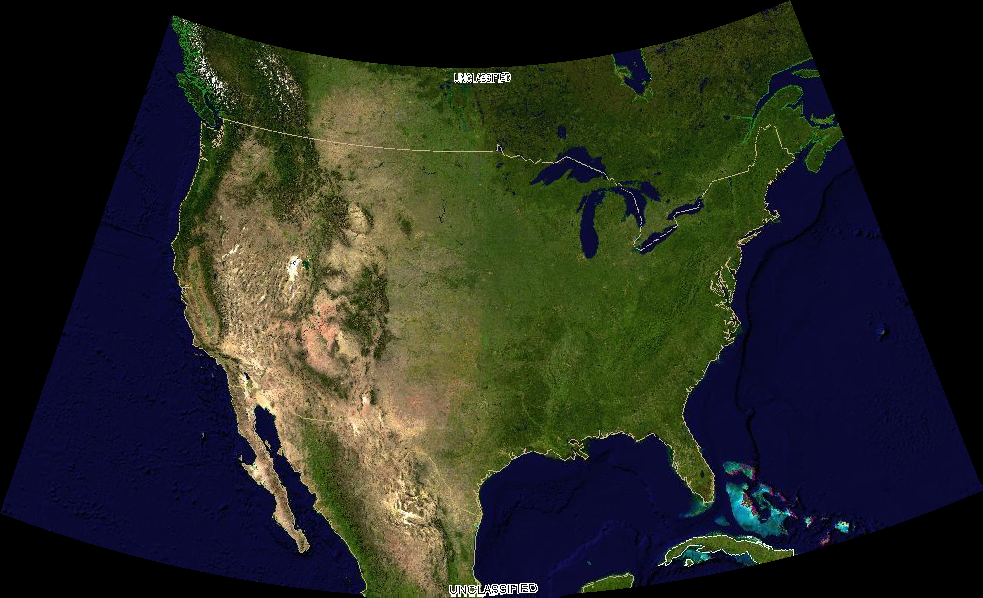
A subset of the coverage, as a PNG